This is not legal advice. Upstack Data is not a law firm, and nothing on this page is a legal recommendation. It shows one common way to configure the UpstackData custom pixel.
  • You are responsible for your consent setup. Under our Terms of Service, you are responsible for getting the consents your visitors’ jurisdictions require and for configuring tracking code correctly. You also agree to indemnify Upstack Data as described in those Terms.
  • For consent questions about your store, work with your consent provider and your legal counsel in your jurisdiction to choose the right settings.
  • How Upstack Data handles data: see our Privacy Policy.

How do I set the UpstackData custom pixel privacy settings in Shopify?

1

Open Customer events

  1. Sign in to Shopify Admin.
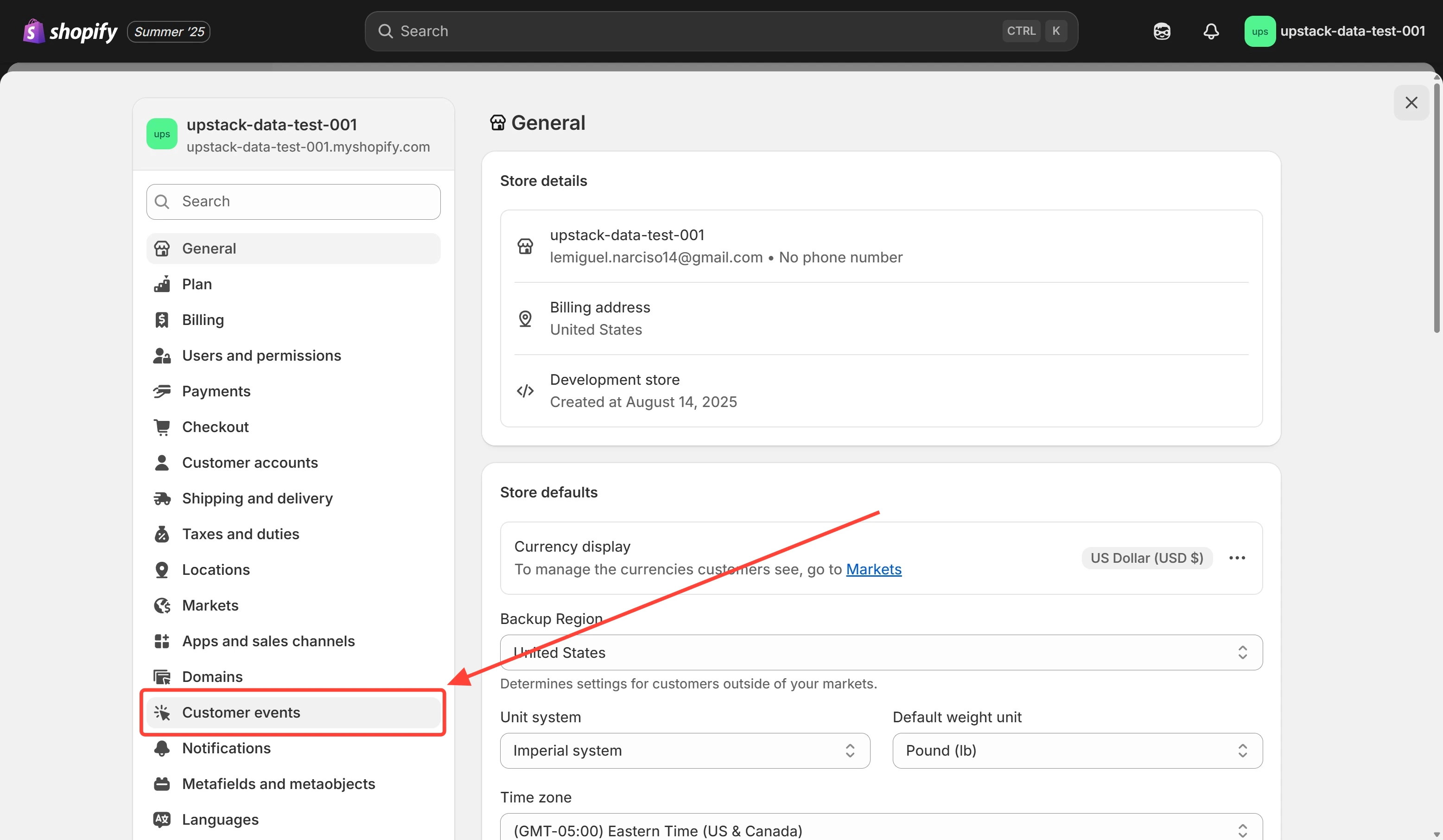
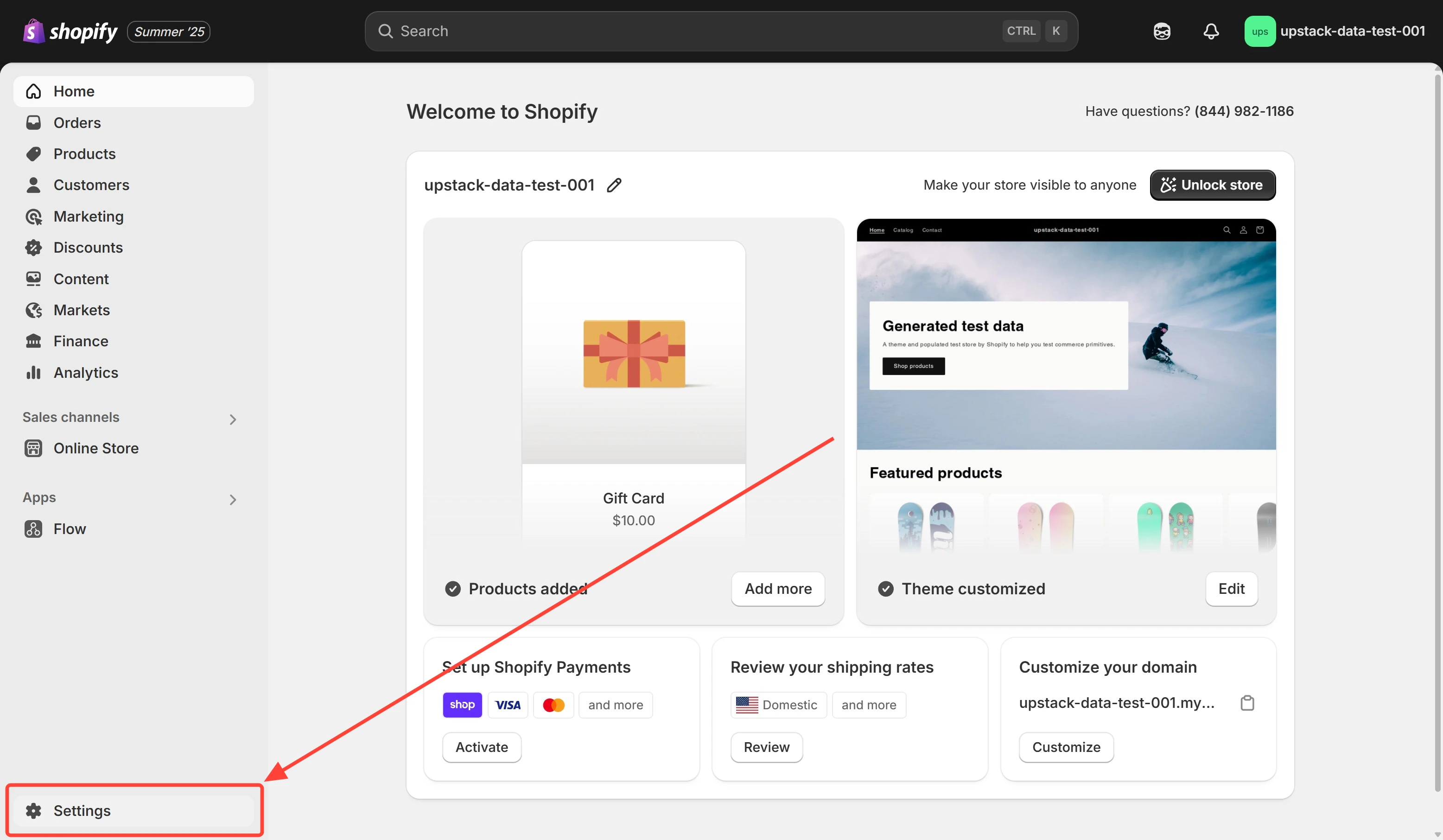
  2. In the bottom-left, click Settings.
  3. In the settings menu, click Customer events. Shopify Admin sidebar showing Settings option Shopify Settings menu with Customer events option
2

Open the UpstackData custom pixel

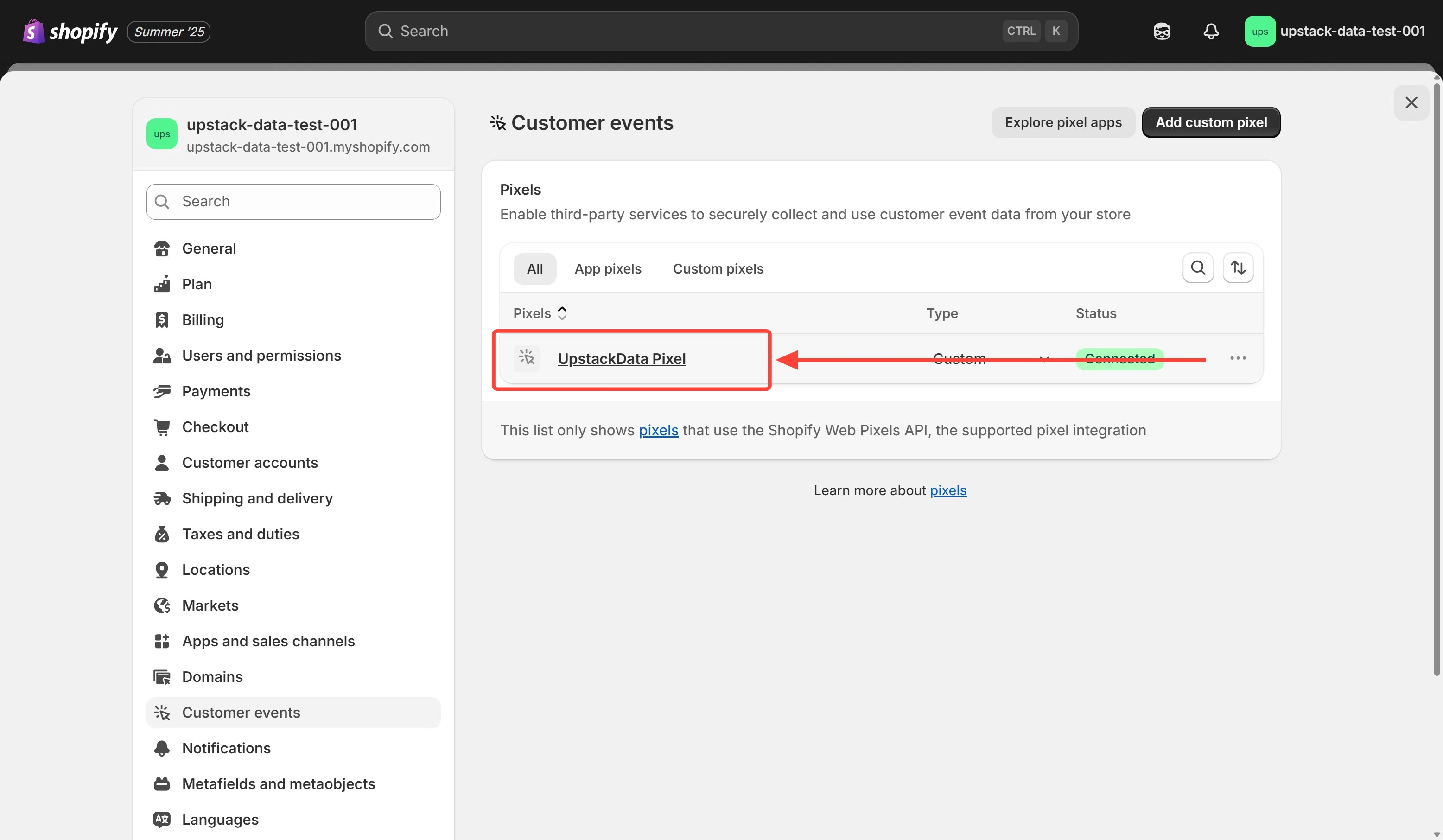
In the list of pixels, click UpstackData.If UpstackData isn’t in the list, add it first: Complete How-To Guide for Setting Up the Upstack Data App in Shopify.Customer events list showing UpstackData custom pixel
3

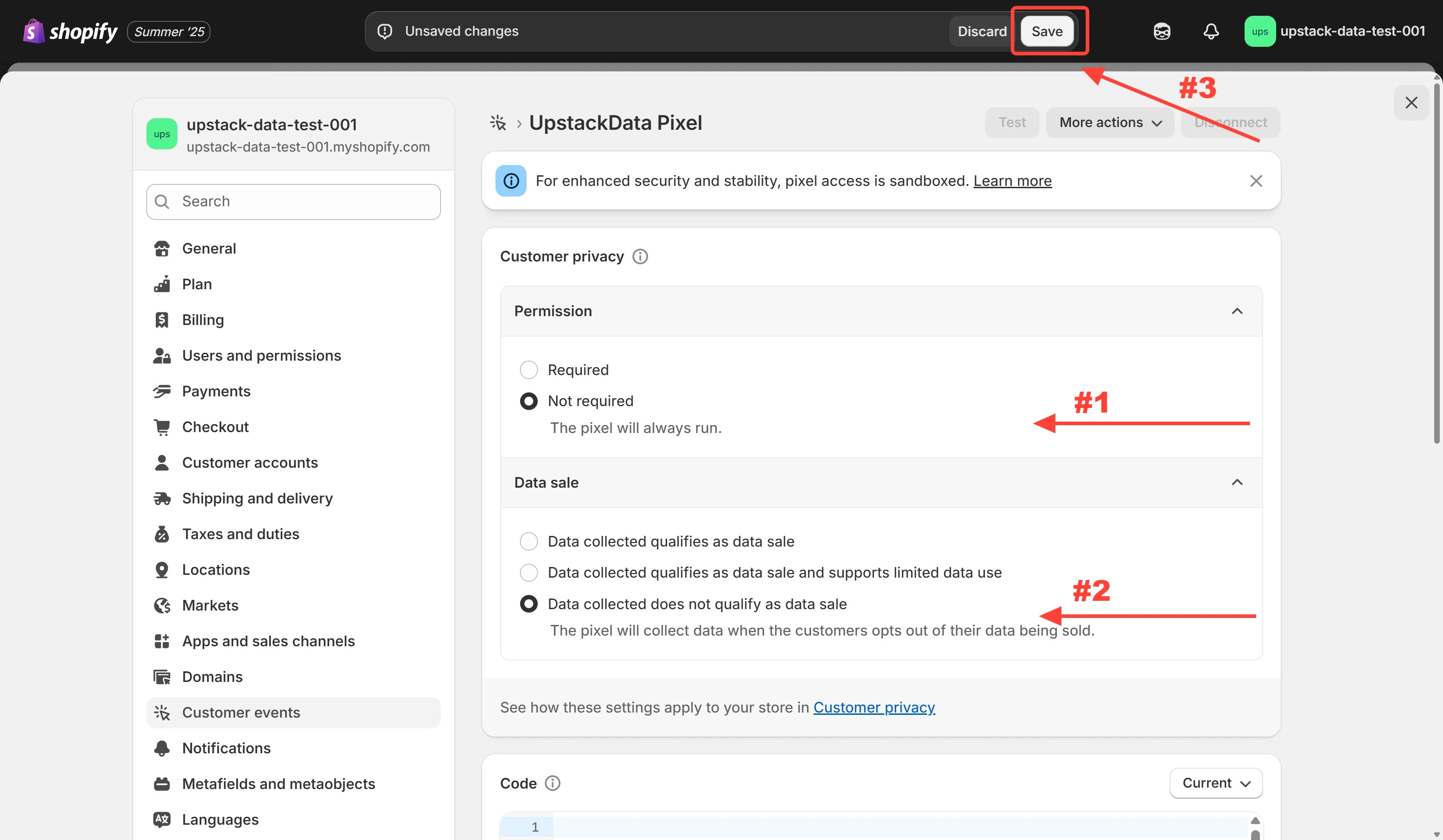
Set Permission and Data sale

  1. Set Permission to Not required.
  2. Set Data sale to Data collected does not qualify as data sale.
  3. Click Save. Privacy settings with Permission and Data sale options configured
4

Check the settings saved

  1. Refresh the UpstackData page in Shopify Admin.
  2. Check that Permission and Data sale show the values you selected.
  3. Open your store with the Upstack Data Pixel Helper and check that events still appear as you browse.

What happens if I set Permission to Required?

The UpstackData custom pixel doesn’t load or track a visitor until they accept your cookie consent banner. Check that your consent banner is set up to ask for consent, or the pixel won’t run for those visitors.

How to Configure Consent Mode

How to Ensure Upstack Data Theme App Extension is Enabled

Complete How-To Guide for Setting Up the Upstack Data App in Shopify