Documentation Index

Fetch the complete documentation index at: https://docs.upstackdata.com/llms.txt

Use this file to discover all available pages before exploring further.

Upstack Data uses two billing methods. The steps you follow for actions like canceling depend on which one you’re on.
1

Open your billing settings

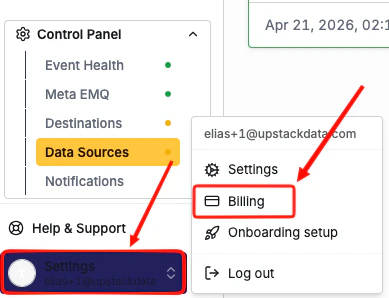
Log in to your Upstack Data dashboard, then go to Settings → Billing.Upstack Data dashboard Settings, Billing page
2

Review what you see

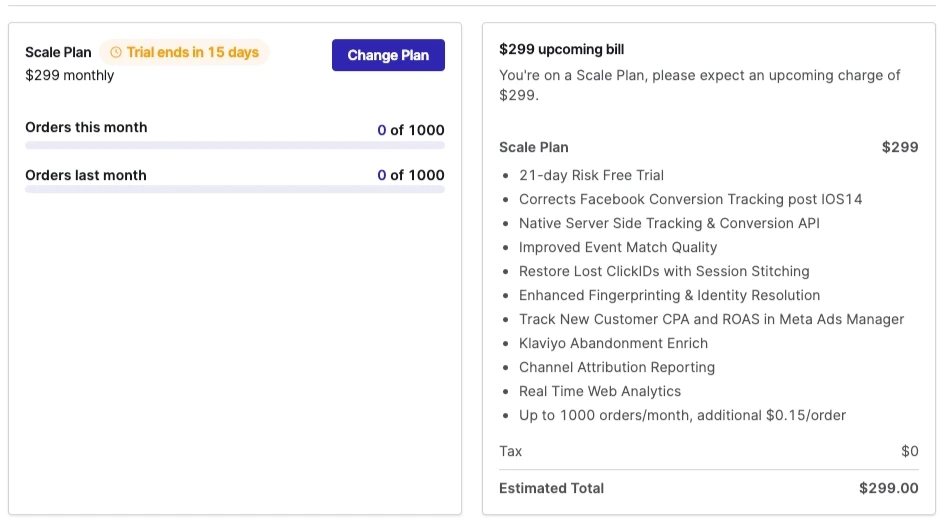
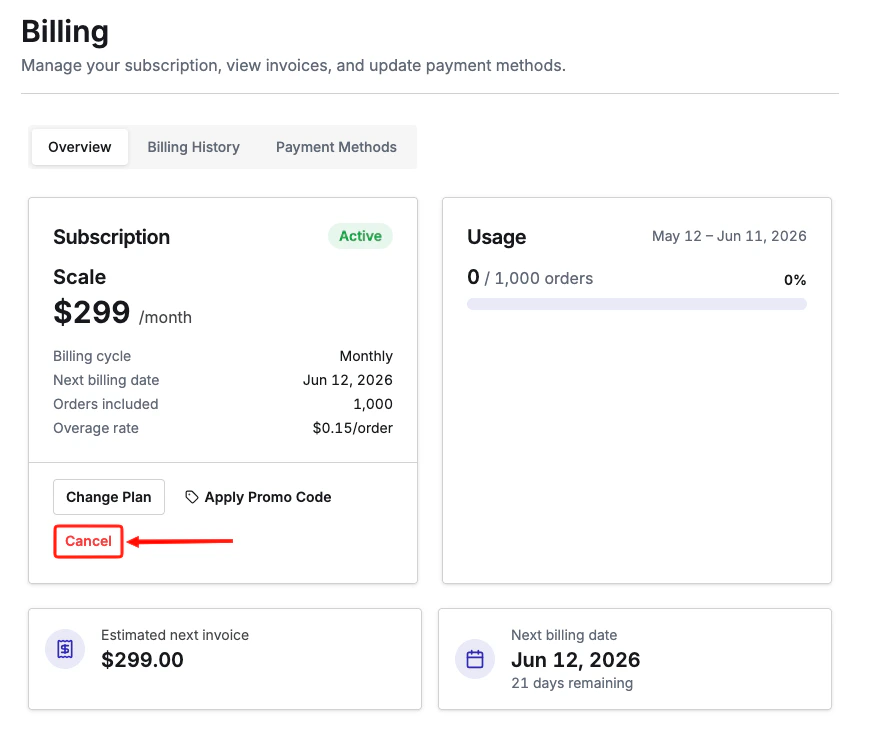
If you see a red Cancel button, you’re on Stripe (direct) billing.Red Cancel button shown for Stripe direct billingIf you only see plan options and no cancel link, you’re on Shopify billing.Billing page showing only plan options, indicating Shopify billing
Cancel Your Subscription

Update Payment Method

View Past Invoices

Billing FAQ